Habit Heatmap — Visualize Your Habit Consistency
A heatmap turns months of check-ins into a single picture — so you can see your consistency without scrolling through a list.
 Download Free on App Store
 Get it on Google Play
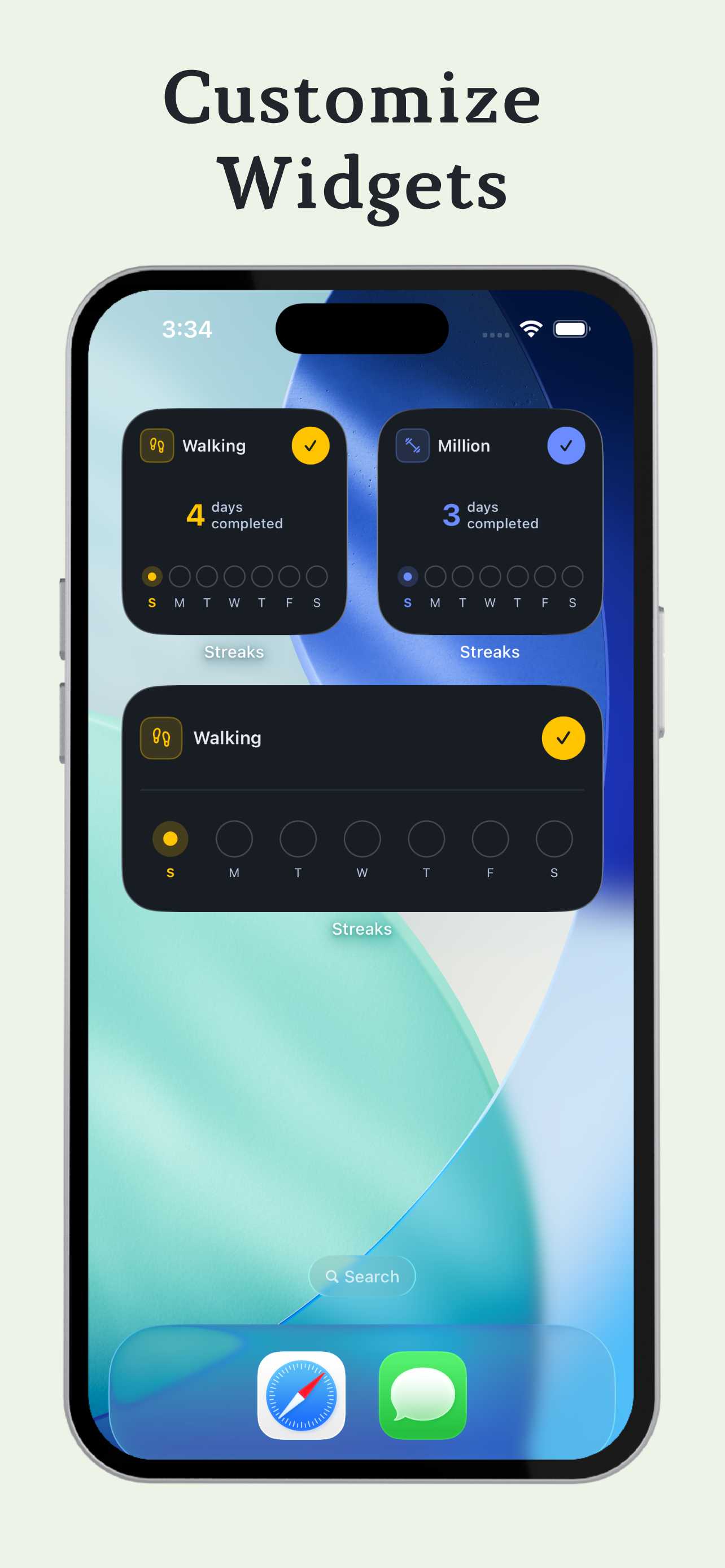
What a visual calendar shows you
A habit heatmap is a grid where each cell represents a day. Shading that day shows whether you completed the habit, leaving the rest empty. Laid out this way across weeks or months, the grid makes a few things obvious that a simple streak number can’t:
Questions & answers
A habit heatmap is a calendar-style view where each day is shaded based on whether you completed a habit, making patterns easy to spot at a glance.
Yes — missed days are visually distinct from completed days, so gaps in consistency are easy to spot.
Yes — each habit has its own heatmap calendar, since different habits can have very different schedules.
Yes — like the rest of Streaks, your check-in history is stored on your device, so the heatmap works without an internet connection.
See your consistency, visually
Download Streaks free and start building a heatmap from your first check-in.